
Two Database Principles Every Bubble Founder Should Know
Feb 1, 2026
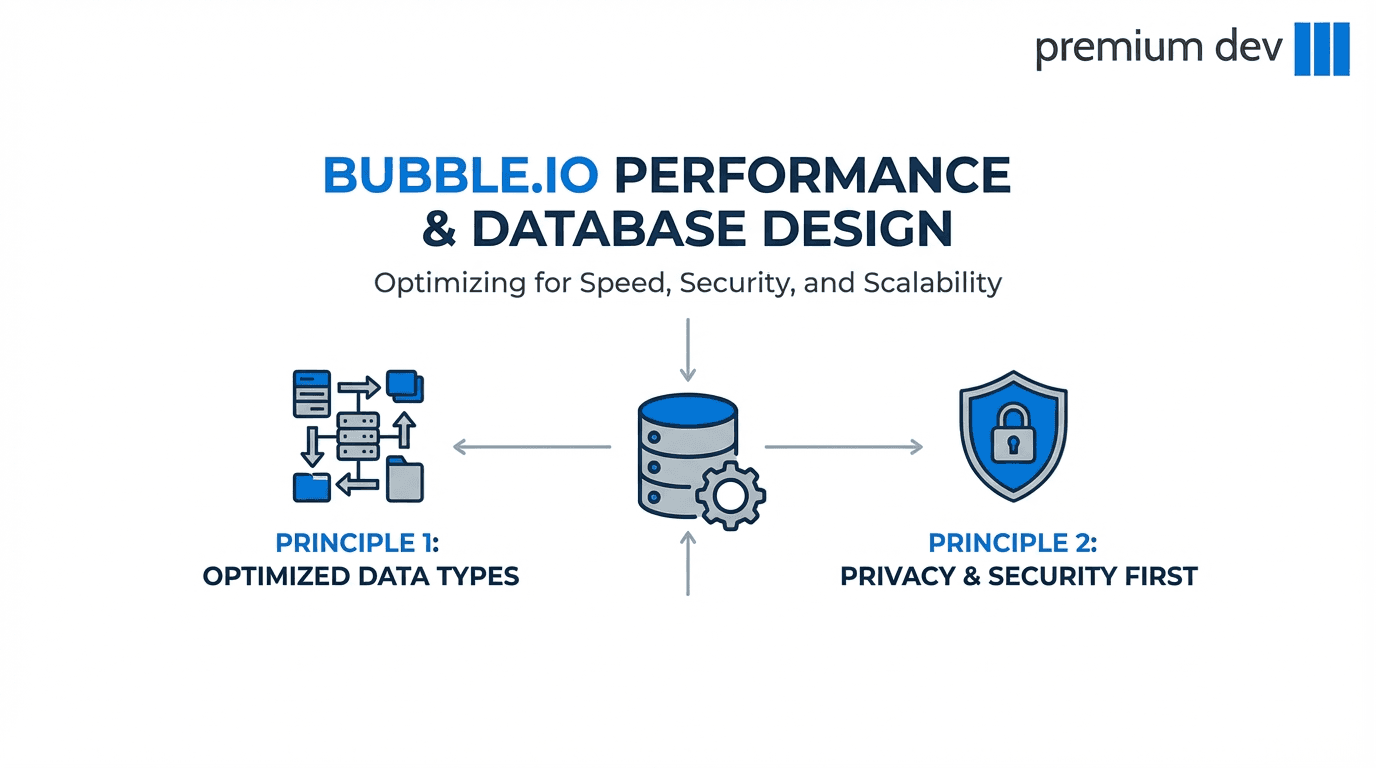
If your Bubble app feels slow, messy, or hard to secure, the problem probably isn’t your workflows, it’s your database.
Most founders design their data types without thinking about performance or privacy until it’s too late.
Here are two database principles that can save you months of refactoring and headaches.
1. Use “Satellite” Data Types to Keep Your App Fast
Introduction
One thing most founders don’t realize about Bubble is how it loads data.
When Bubble fetches something from the database (for example, a list of Users), it doesn’t just load the fields you display on the screen.
It loads the entire data object into memory, every field, even the ones you don’t need yet.
This means that if your main data types become too large, every simple page (like a list of users) becomes heavier and slower over time.
That’s why using satellite data types is so powerful.
A satellite data type is a smaller data type that holds secondary or rarely-used information and is connected to a main one through a relationship. Instead of putting everything into User, you split your data into focused pieces that are only loaded when needed.
This keeps your pages fast and your database clean as your app grows.
Example: Social Media App (When to Do It)
Imagine you’re building a social media app where users can follow each other.
On your “Discover Users” page, you only want to show:
Profile picture
Name
You do not need:
Description
Address
More information
But if all of that data lives in the same User data type, Bubble will still load everything for every user in the list.
Bad design:
User
name
profile_picture
age
description
address
more_information
Repeating group:
Do a search for Users
Even though you only show name and picture, Bubble loads:
long text fields
extra personal data
unused information
This increases memory usage and is one of the most common reasons Bubble pages become slow.
Better Design with Satellite Data Types
Instead, you split your data like this:
User
name
profile_picture
age
UserProfileDetails (satellite)
user (User)
description
address
more_information
Now:
The Discover page loads only lightweight user data
The Profile page loads the extra details when someone clicks into it
You get:
Faster pages
Lower memory usage
Cleaner data structure
Room to grow without rebuilding later
This is especially valuable in apps like:
Social networks
Marketplaces
Directories
Community platforms
Anywhere you list many users or items, satellites make a big difference.
When NOT to Use Satellite Data Types
You should not use satellite data types for:
Core fields always needed (name, email, role)
Small, simple values
Data used on almost every page
Temporary UI data
Creating too many satellites can make your app harder to manage. The goal is clarity, not complexity.
A simple rule:
If you don’t need it every time you load the main object, it probably belongs in a satellite.
Conclusion
Bubble loads full data objects into memory, not just the fields you display.
If your main data types grow too large, your pages quietly become slower and more expensive to run.
Satellite data types help you:
Load only what you need
Keep pages fast
Structure your data logically
Scale without painful refactors
They are not just a database trick, they are a performance strategy for founders building real products.
2. Design Your Database With Privacy Rules in Mind
Introduction
Another common founder mistake is building the database first and worrying about privacy later.
In Bubble, privacy rules depend entirely on how your data is structured.
If your data types don’t clearly show who owns what and who can access what, your privacy rules become complicated or unsafe.
The best approach is to design your data types with privacy in mind from day one.
Every important data type should answer three questions:
Who owns this data?
Who should be able to see it?
Who should be able to change it?
If your database can’t answer these easily, your privacy rules won’t either.
Example: Team-Based App (When to Do It)
Let’s say you’re building a SaaS app for teams.
Poor design:
Project
name
description
status
There is no link to a User or a Team.
Later, you want this rule:
Only team members can view and edit their projects.
But your database has no idea who owns a project. You now need complex searches and conditions to figure it out. This leads to:
Slow rules
Hard-to-read logic
Security risks
Good design:
Team
name
members (list of Users)
Project
name
description
team (Team)
created_by (User)
Now your privacy rule becomes simple:
A Project is viewable only if
Current User is in Project’s Team’s members
This is:
Easy to understand
Fast
Secure
Scalable
Your database structure makes your privacy rules almost automatic.
When NOT to Over-Engineer Privacy
You don’t need complex privacy rules for:
Public content (blog posts, templates, marketing pages)
Data meant to be visible to everyone
Temporary or helper data types
UI-only logic
Also avoid:
Privacy rules based on email or text fields
Rules that require multiple nested searches
Rules that depend on page state
If your privacy rule feels like a paragraph, your database design probably needs improvement.
Conclusion
Privacy rules are not something you “add later.”
They are the result of good database design.
When you design your data types with ownership and access in mind, you:
Make your app safer
Keep your rules simple
Improve performance
Avoid future rewrites
A well-designed Bubble database makes privacy rules feel natural.
A poorly designed one forces you into fragile and complex logic.
Thinking about privacy early is one of the most valuable decisions a founder can make.